



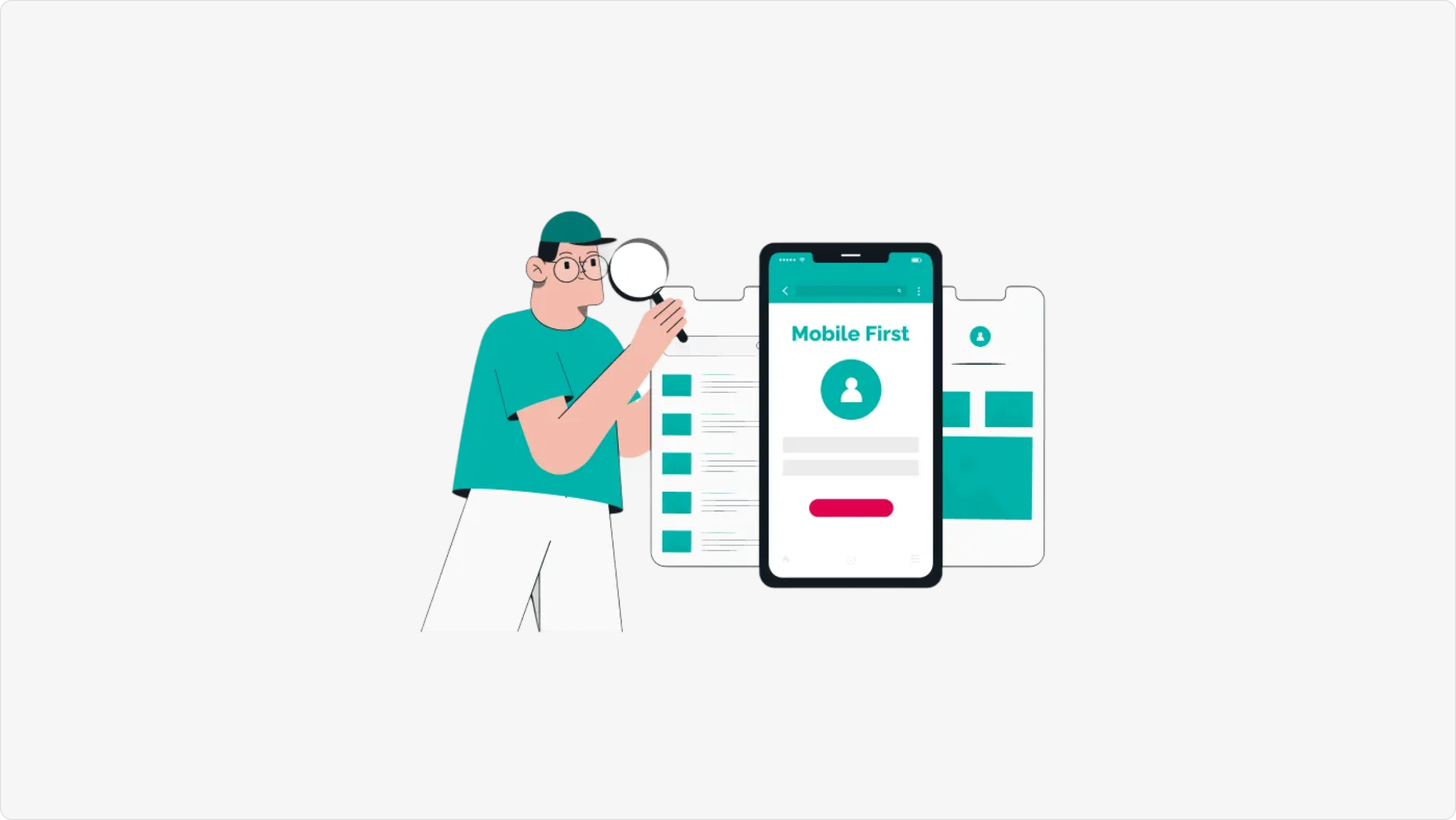
Mobile-first design is no longer optional for SaaS products. With over 60% of web traffic coming from mobile devices, designing for smaller screens first ensures your product delivers exceptional experiences across all platforms.
Why Mobile-First Matters for SaaS
Mobile users have different needs, contexts, and behaviors than desktop users. They’re often multitasking, have limited time, and need quick access to core features. A mobile-first approach forces you to prioritize essential functionality and streamline user flows—improvements that benefit all users, regardless of device.
Key Benefits:
- Forces prioritization of core features
- Improves performance and load times
- Increases accessibility
- Better conversion rates on mobile devices
- Future-proofs your product as mobile usage grows
Mobile-First Design Principles for SaaS
- Touch-First Interface Design
Design for fingers, not cursors. Buttons should be at least 44×44 pixels, with adequate spacing to prevent mis-taps. Place primary actions within easy thumb reach—the bottom third of the screen for one-handed use. - Progressive Disclosure
Don’t overwhelm users with all features at once. Show core functionality first, then reveal advanced options as needed. Use expandable menus, bottom sheets, and modal dialogs to manage complexity. - Optimize for One-Handed Use
Most users hold phones in one hand. Place navigation and key actions in the lower portion of the screen. Avoid hamburger menus in top corners—they’re hard to reach. - Streamline Forms and Input
Minimize typing on mobile. Use smart defaults, autofill, and input masks. Replace text fields with better alternatives when possible—date pickers instead of text dates, toggles instead of checkboxes. - Design for Offline and Poor Connectivity
Mobile users frequently encounter poor connectivity. Implement offline functionality for core features. Show clear loading states and error messages. Cache data locally and sync when connectivity improves. - Optimize Performance
Mobile devices have less processing power and users are more sensitive to slow loads. Aim for under 3-second load times. Lazy load images and content. Minimize JavaScript bundle sizes.
Common Mobile-First Mistakes to Avoid
Hiding Important Features: Don’t assume mobile users need a “lite” version. They often need the same functionality as desktop users, just presented differently.
Ignoring Landscape Mode: Many users rotate their devices. Test both orientations and ensure your design adapts gracefully.
Tiny Text and Touch Targets: If users need to zoom or struggle to tap buttons, your design fails mobile-first principles.
Implementation Strategy
Start Mobile, Scale Up: Design and prototype for mobile first, then adapt for larger screens. This ensures mobile gets the attention it deserves.
Use Responsive Breakpoints: Don’t just design for phone, tablet, and desktop. Consider intermediate sizes and test on actual devices.
Test on Real Devices: Simulators don’t capture the full mobile experience. Test on actual phones with varying screen sizes, OS versions, and network conditions.
Measure Mobile Performance: Track mobile-specific metrics—load times, conversion rates by device, feature usage patterns. Use tools like Google’s Mobile-First Indexing check.
Conclusion
Mobile-first design for SaaS isn’t about compromising features—it’s about delivering them more effectively. By starting with mobile constraints, you create cleaner, faster, more focused experiences that work beautifully everywhere. In 2026, the question isn’t whether to go mobile-first, but how quickly you can implement it.