



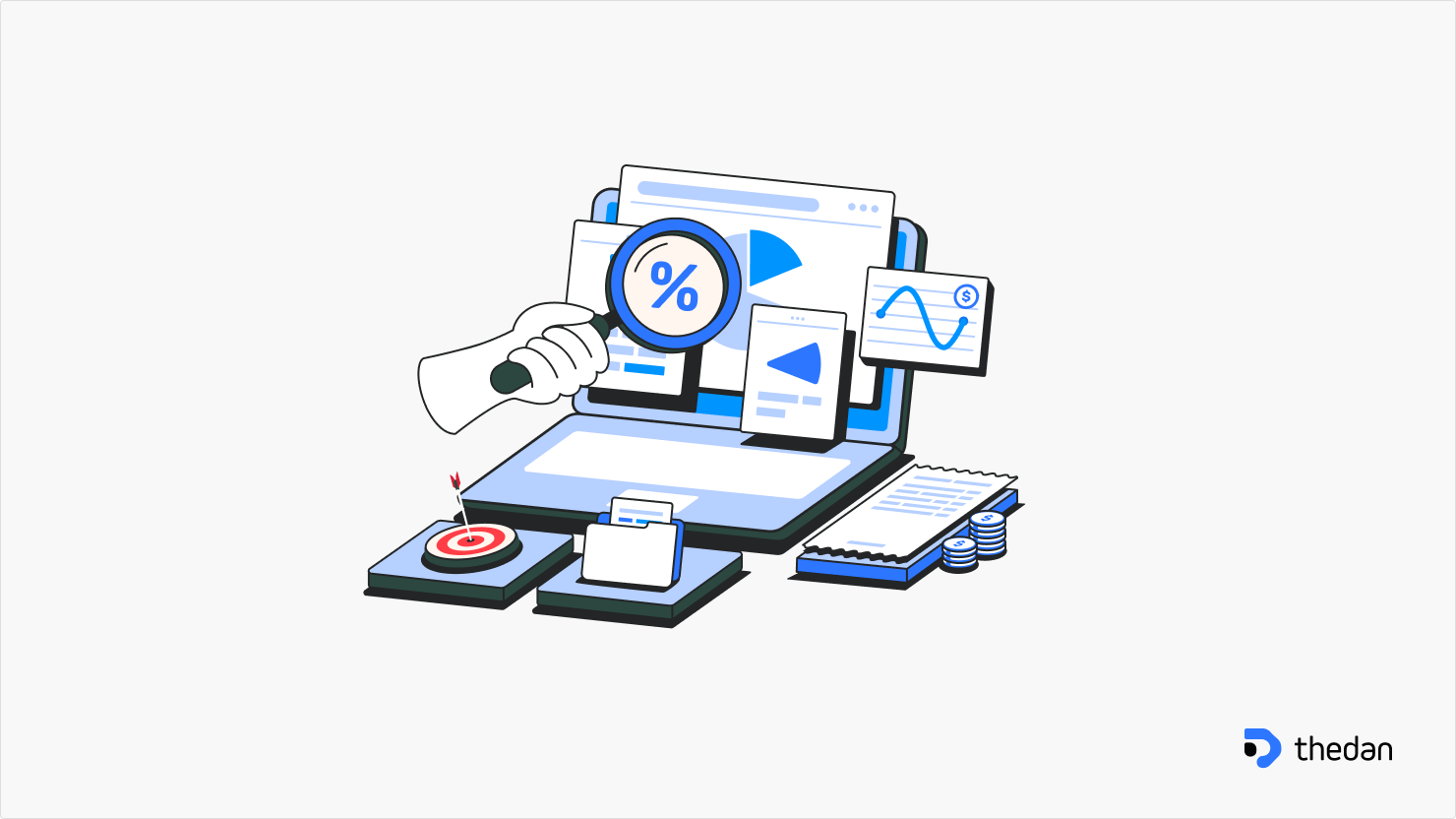
Digital products don’t usually fail because of bad ideas. They fail because users get confused, frustrated, or quietly disengage. Conversions drop, churn increases, and teams respond by adding features—without addressing the real problem.
That’s where a UX audit becomes critical.
A UX audit helps you step back, evaluate your product objectively, and identify usability issues that are blocking growth. But how do you know when it’s time to run one?
Below are the most common signs—backed by UX research and real-world product patterns—that indicate your product needs a UX audit.
What Is a UX Audit?
A UX audit is a structured evaluation of a digital product’s user experience. It combines usability heuristics, user behavior analysis, analytics, accessibility checks, and design best practices to uncover friction points across the product.
Unlike a redesign, a UX audit doesn’t start with visuals. It starts with evidence—what users are doing, where they struggle, and why.
The outcome is a prioritized list of UX issues with actionable recommendations aligned to business goals.
Key Signs Your Product Needs a UX Audit
1. Users Are Dropping Off Without Clear Reasons
If analytics show high bounce rates, low engagement, or abandoned flows—but you can’t explain why—that’s a red flag.
Research consistently shows that users leave products when:
- Navigation feels unclear
- Value is not immediately understood
- Tasks require too much effort
A UX audit connects quantitative data (analytics) with qualitative insights (usability principles and behavior patterns) to explain what’s actually happening.
2. Conversion Rates Are Stagnant or Declining
When landing pages, onboarding flows, or checkout processes stop converting, the issue is often not marketing—it’s experience.
Common UX problems uncovered during audits include:
- Unclear calls to action
- Poor information hierarchy
- Too many steps or decisions
- Mismatch between user intent and interface design
Even small UX fixes can lead to significant conversion improvements when friction points are properly identified.
3. Users Keep Asking the Same Questions
If customer support tickets repeat the same issues, your product is communicating poorly.
This usually means:
- Labels are unclear
- System feedback is missing
- Key actions are hard to find
- Error messages don’t guide users
A UX audit highlights where the interface is failing to explain itself—so users don’t have to ask for help.
4. Features Are Underused or Ignored
You invest time and money building features, but users don’t adopt them.
This often happens when:
- Features are hard to discover
- The value isn’t obvious
- The feature doesn’t fit naturally into user workflows
UX audits reveal discoverability and usability gaps, helping teams understand whether the problem is the feature itself—or how it’s presented.
5. Your Product Has Grown Without UX Strategy
Many products evolve quickly—new screens, new flows, new features—without a unified UX direction.
Over time, this leads to:
- Inconsistent layouts and patterns
- Confusing navigation
- Cognitive overload for users
A UX audit brings structure and consistency, ensuring the product still feels intuitive as it scales.
6. Stakeholders Disagree on What to Fix
When product, design, and business teams have conflicting opinions, progress slows.
A UX audit helps by:
- Replacing opinions with evidence
- Aligning teams around user-centered insights
- Providing a shared roadmap for improvements
This makes decision-making faster and more objective.
7. You’re Planning a Redesign or Major Update
Redesigning without an audit is risky.
A UX audit ensures you:
- Fix real problems instead of cosmetic ones
- Preserve what already works
- Prioritize changes with the highest impact
Many successful redesigns start with an audit—not a blank canvas.
What a UX Audit Typically Includes
A comprehensive UX audit often covers:
- Heuristic Evaluation – Assessing usability against proven UX principles
- User Flow Analysis – Reviewing task completion paths
- Analytics Review – Identifying drop-offs and behavior patterns
- Accessibility Review – Ensuring inclusivity and compliance
- UI Consistency Check – Evaluating design patterns and hierarchy
The final deliverable is usually a clear, prioritized action plan rather than vague feedback.
The Business Value of a UX Audit
UX audits don’t just improve usability—they improve outcomes.
Research-backed benefits include:
- Higher conversion rates
- Reduced churn
- Lower support costs
- Better user satisfaction
- Clearer product direction
Most importantly, they help teams invest effort where it matters most.
When Should You Run a UX Audit?
You should consider a UX audit if:
- Metrics are declining without clear reasons
- Users struggle to complete key tasks
- Your product has grown complex over time
- You’re preparing for a redesign or scale phase
The earlier you identify UX issues, the cheaper they are to fix.
Final Thoughts
A UX audit is not about pointing out flaws—it’s about uncovering opportunities. It helps teams see their product through users’ eyes and make informed, strategic improvements.
If your product feels harder to use than it should, users are quietly leaving, or decisions are driven by assumptions, a UX audit can bring the clarity you need.
Good UX isn’t guesswork. It’s evidence-based design.